- Payment Options
- Terms Conditions
- Malibu 453 blv
- info@charity.com



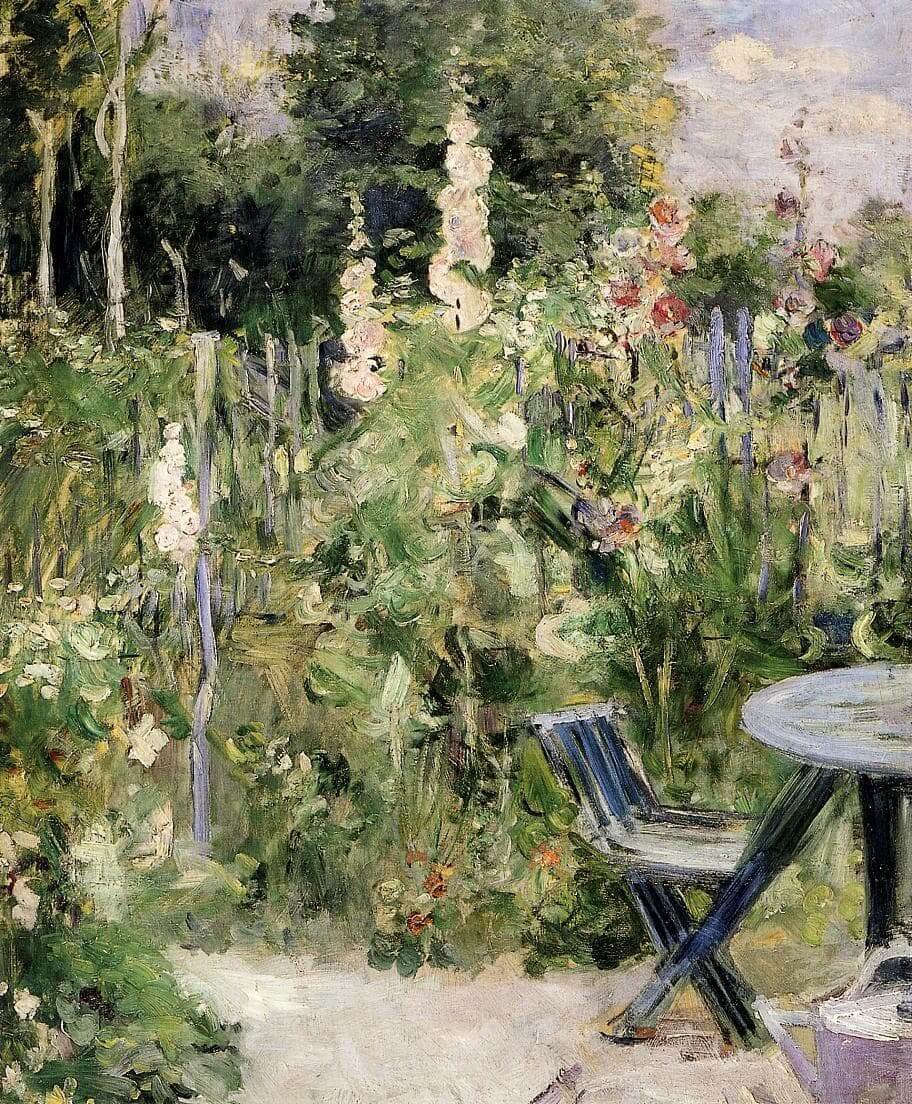
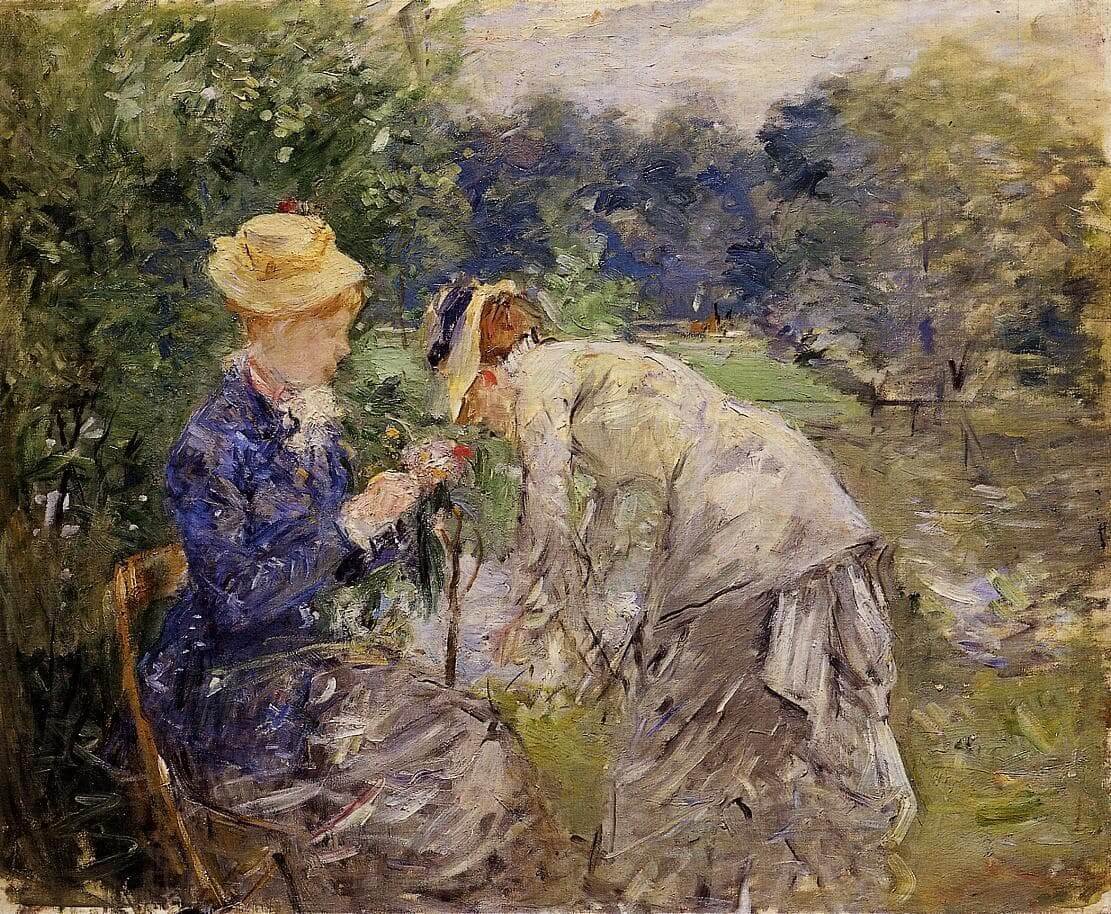
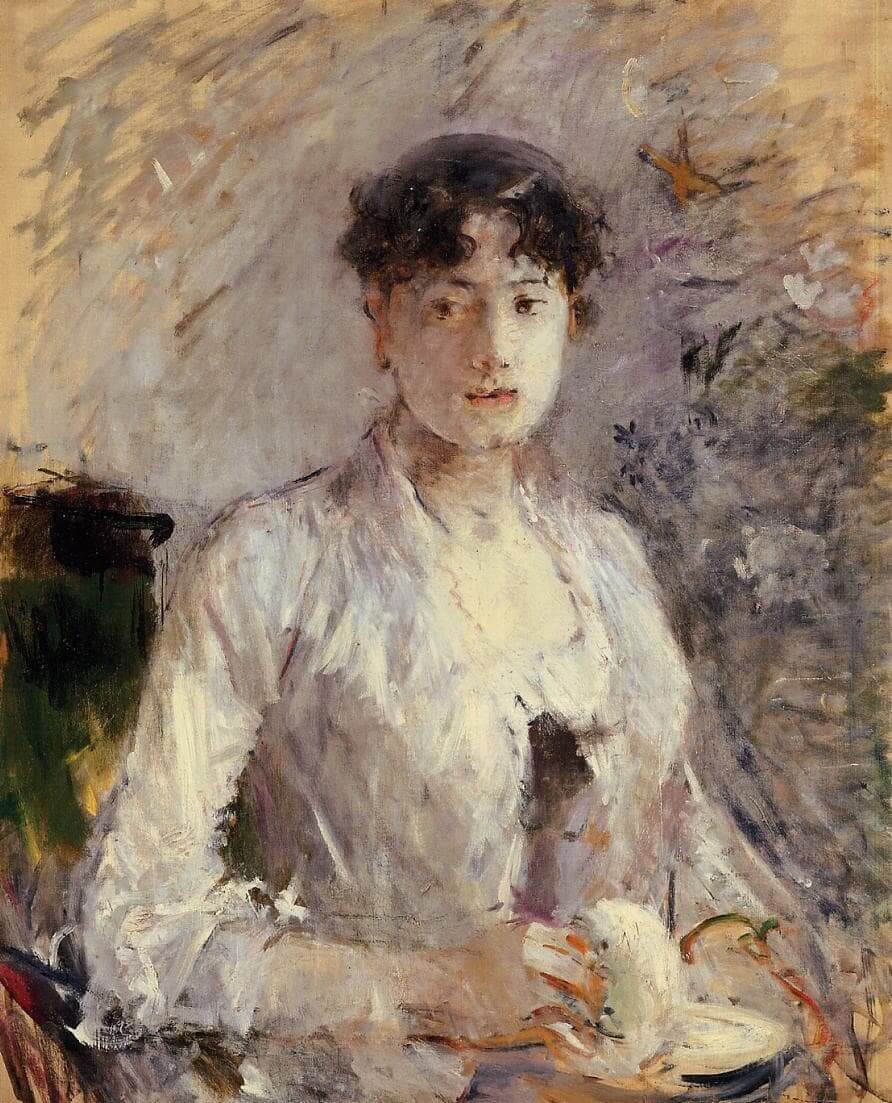
Block patterns are pre-designed groups of blocks. To add one, select the Add Block button [+] in the toolbar at the top of the editor. Switch to the Patterns tab underneath the search bar, and choose a pattern.
Twenty Twenty-One includes stylish borders for your content. With an Image block selected, open the "Styles" panel within the Editor sidebar. Select the "Frame" block style to activate it.
Twenty Twenty-One also includes an overlap style for column blocks. With a Columns block selected, open the "Styles" panel within the Editor sidebar. Choose the "Overlap" block style to try it out.